Overview
Oceanpayment Card (OPCard) is a virtual card issuing service launched in partnership with the global card network Mastercard. It allows Oceanpayment merchants to apply online for multi-currency issuing accounts and instantly create virtual cards, enabling fast and convenient cross-border payments.
Before You Begin
info
- If you do not yet have an issuing account, please register for a merchant account first.
- 👉 Learn how to quickly obtain the OPCard API key.
Why Choose Our Card Issuing Platform?
🔒
Spend Control, Secure by Design
- Monitor card activity in real time with customizable spending limits and permissions for precise expense control
- Clear and comprehensive transaction statements for full visibility into fund flows
- PCI DSS Level 1 certification combined with intelligent risk control and real-time transaction monitoring to safeguard your funds
⚡
Instant Issuance, Easy Integration
- Real-time card issuance with bulk creation and instant activation for seamless payments
- Smart merchant dashboard for efficient card lifecycle management through a unified platform
- Multiple card types to meet a wide range of corporate payment needs
💰️
Unified Pay-In & Pay-Out
- Integrated acquiring and issuing services to connect collections and payouts, optimizing cash flow management
- Flexible solutions including Merchant Dashboard, APIs, and Card-as-a-Service (CaaS) to match your business needs and improve operational efficiency
🌐
Global Payments Without Borders
- Licensed Mastercard issuer with access to a powerful global acceptance network
- Supports major currencies such as HKD and USD to cover various industries and use cases
- Intelligent multi-currency balance allocation for a smooth payment experience
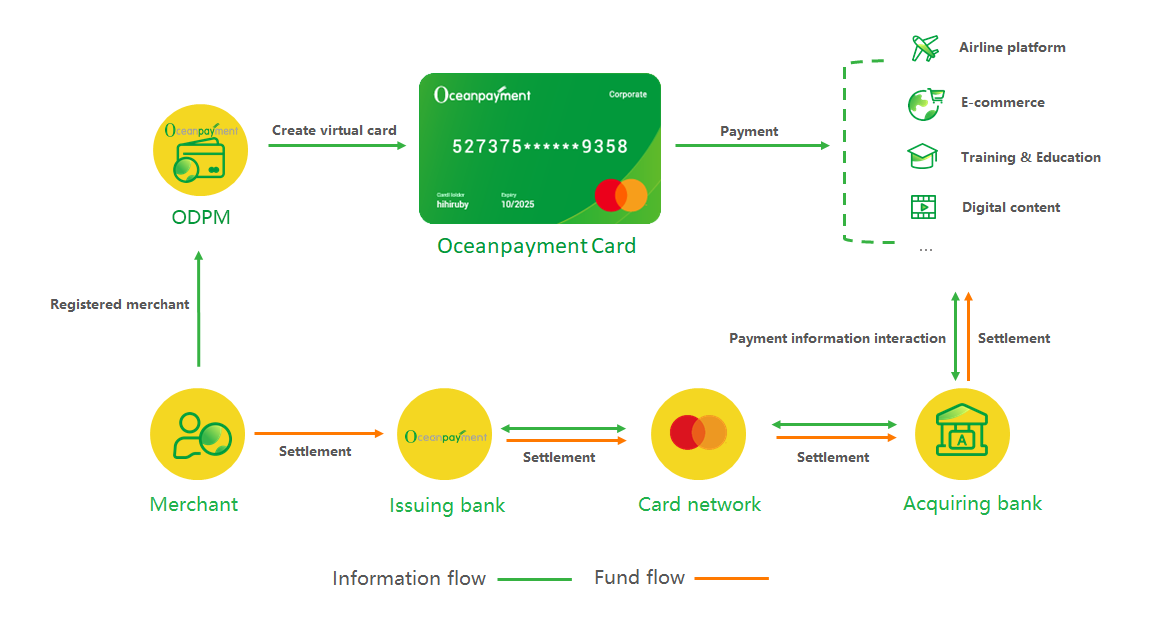
Understand the OPCard Flow
Product Types
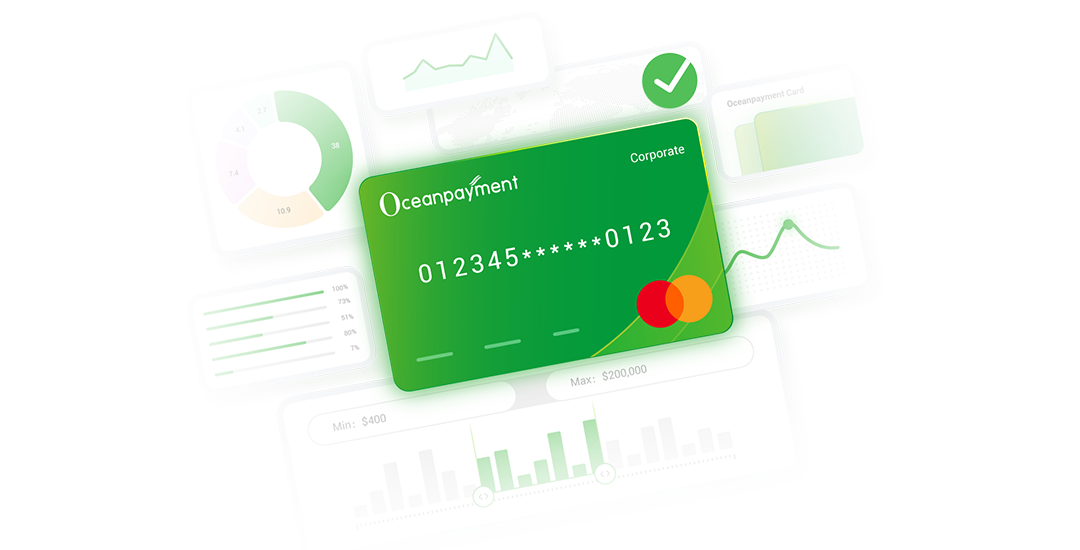
We offer two card types to support diverse business use cases.
info
Get a quick overview of OPCard product types and capabilities.
Supported Currencies and Regions
Developer Resources
Notifications
OPCard sends asynchronous transaction result notifications via Webhooks. Please refer to the Webhook documentation to configure the relevant webhook events.