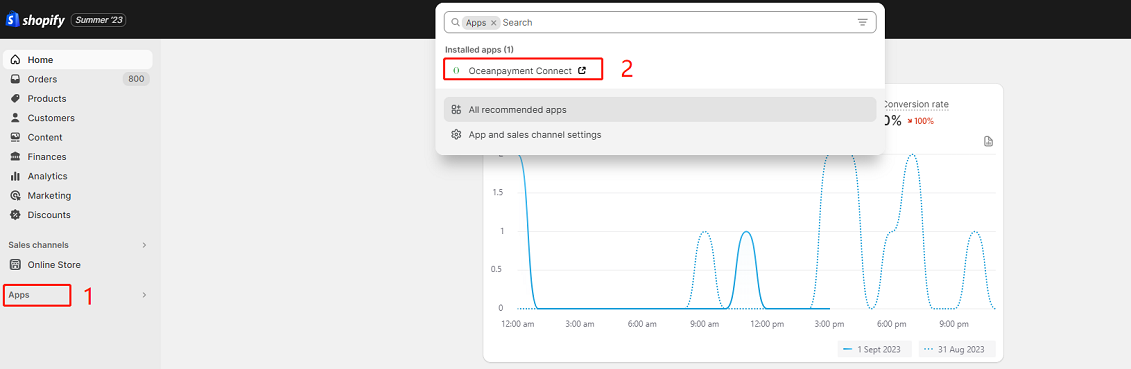
Overview
Install the Oceanpayment Connect app in your Shopify store, and Shopify will automatically sync order shipping information to Oceanpayment. You can use it to check your Oceanpayment orders, and also to modify your store page and payment logo, etc.
Note
Oceanpayment Connect is only available for Shopify stores.
Installation
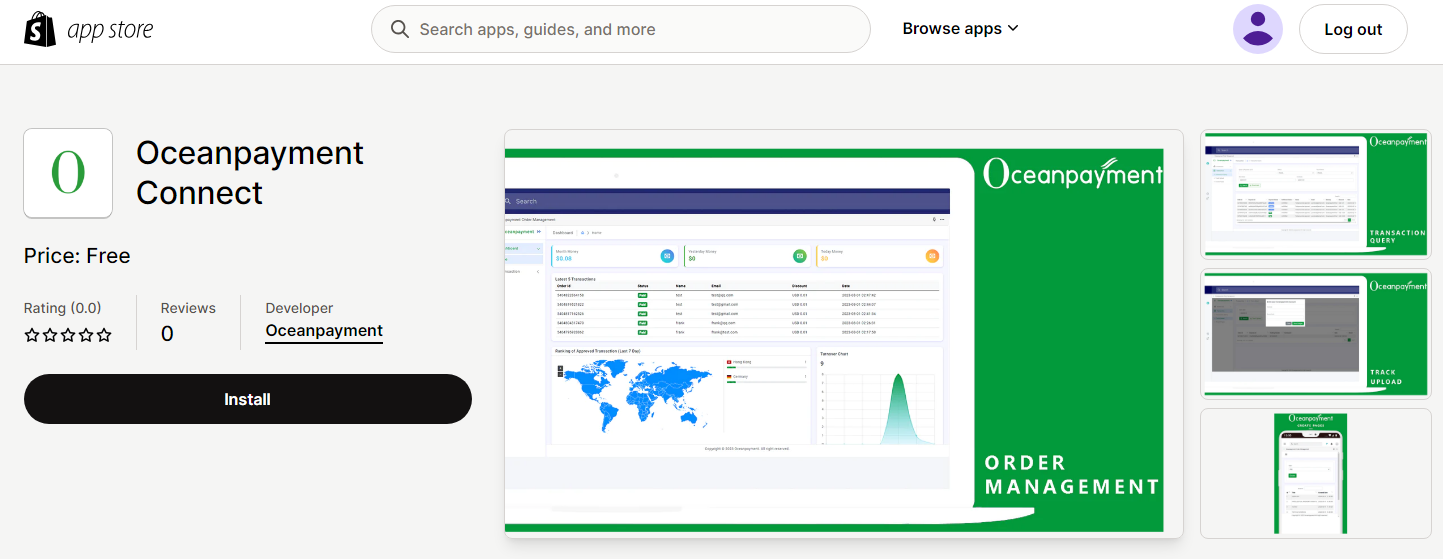
- Access the Oceanpayment Connect installation link: https://apps.shopify.com/oceanpayment-order-management-1
Logistics Synchronization
After installing the Oceanpayment Connect app, you need to upload the shipping information of your orders to your Shopify store. Shopify will then automatically sync the shipping information to Oceanpayment.
Note
Once Oceanpayment Connect is uninstalled, logistics information will no longer be automatically synchronized to Oceanpayment.
Other Functions
- How to use other functions of the Oceanpayment Connect App? Please refer to the in-app operation documentation for details.