Installation
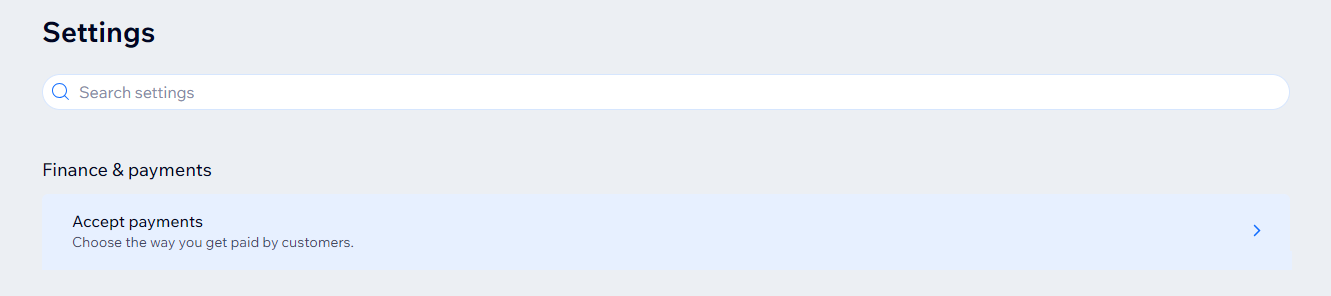
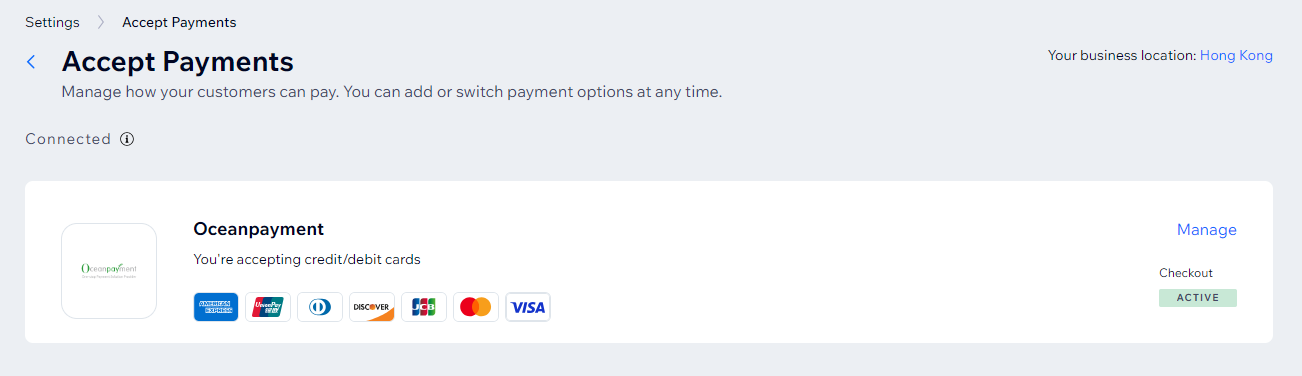
- Log in to the WIX Store Backend, go to 【Settings】-【Accept payments】-【See More Payment Options】-【Third-Party Credit/Debit Card Providers】, search for: oceanpayment, and click Enable.
Configuration Information
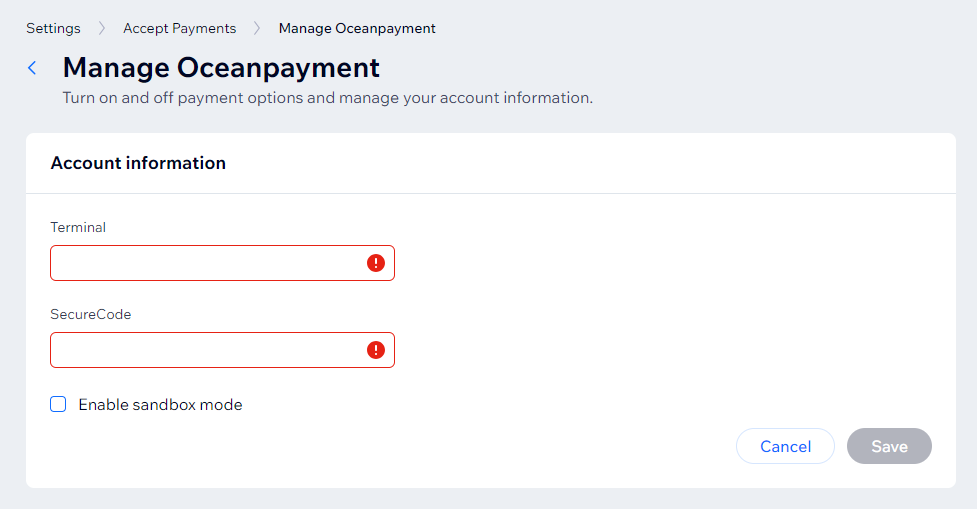
- Fill in the configuration information provided by Oceanpayment: account, terminal, secureCode.
Enable sandbox modedoes not need to be checked.
Payment Methods
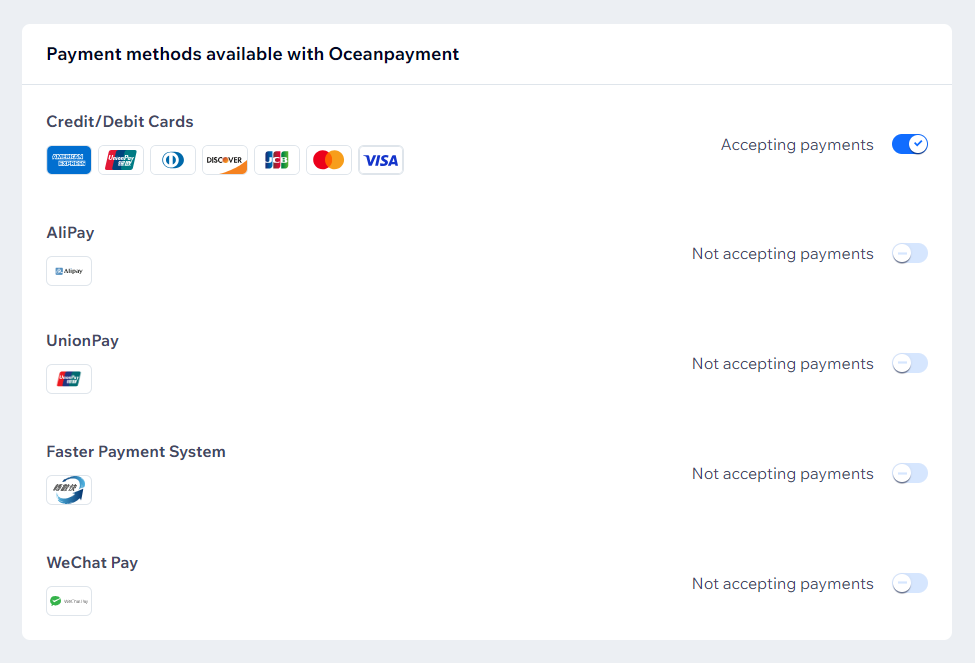
- Select the payment methods you want to enable. Do not select payment methods that you have not applied for.
- Supported payment methods: Credit/Debit Cards AliPay UnionPay Faster Payment System WeChat Pay
Uninstall
- Find the Oceanpayment payment method and click Disable.
