Installation
- Log in to the AllValue Store Backend, go to 【Settings】-【Payments】-【Payment Service Provider】-select Oceanpayment (Klarna), and click Edit.

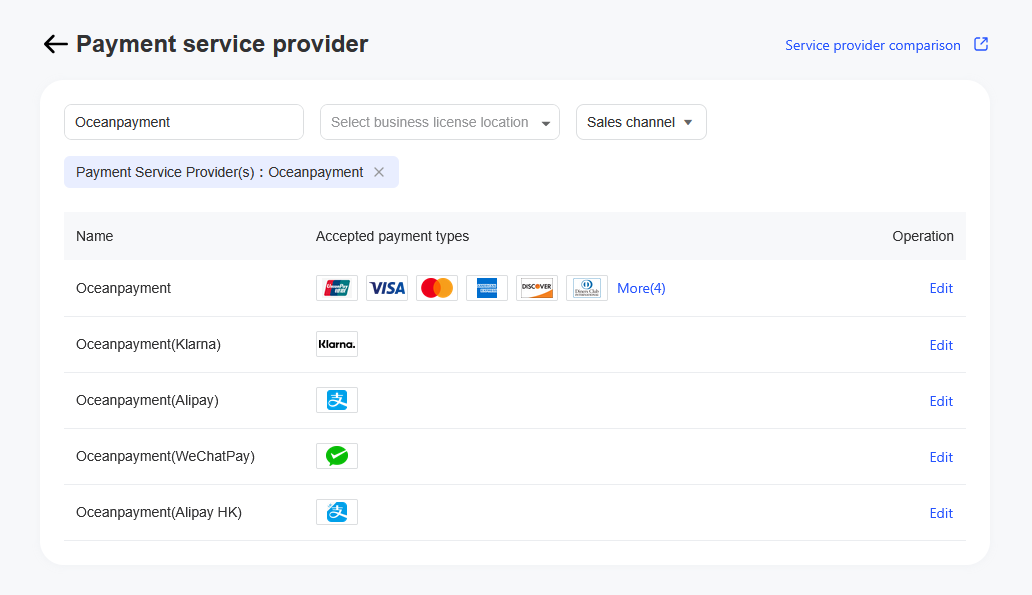
Configuration Information
- Fill in the configuration information provided by Oceanpayment: account, terminal, secureCode.
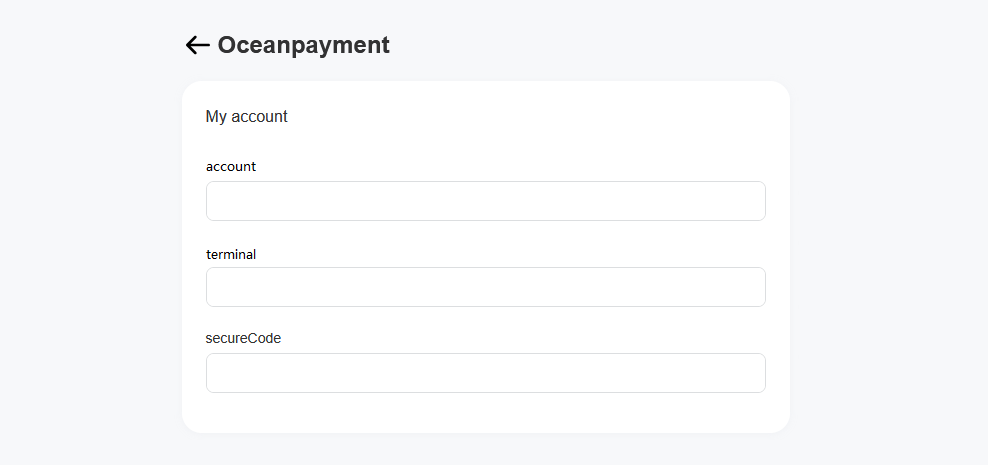
Payment Methods
- Klarna is selected by default.

Uninstall
- Find the Klarna payment method and click Disable.
