Installation
- Log in to the Fecify store backend, go to 【Settings】-【Payment Settings】and select Oceanpayment Klarna.

Configuration Information
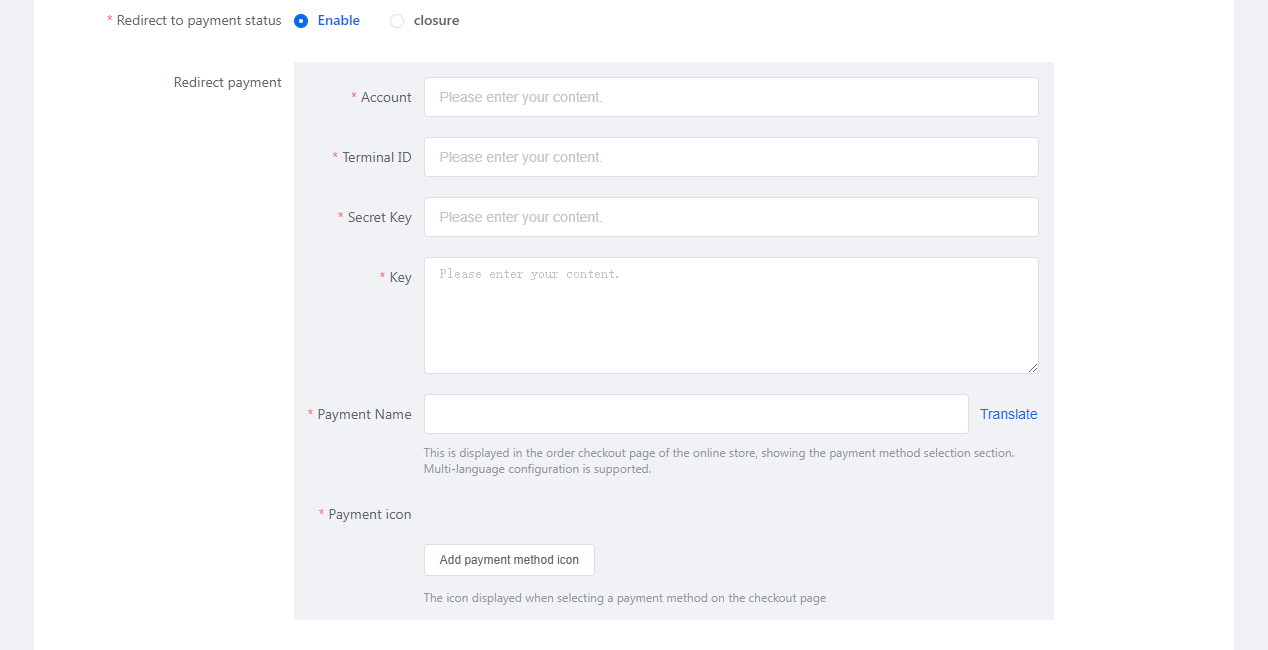
- Fill in the configuration information provided by Oceanpayment: account, terminal, secureCode, Key.
Support Payment Logo
- Select Klarna, payment methods that haven't been applied for don't need to be selected.

Uninstall
- Find the Klarna payment method and turn it off/on.