Installation
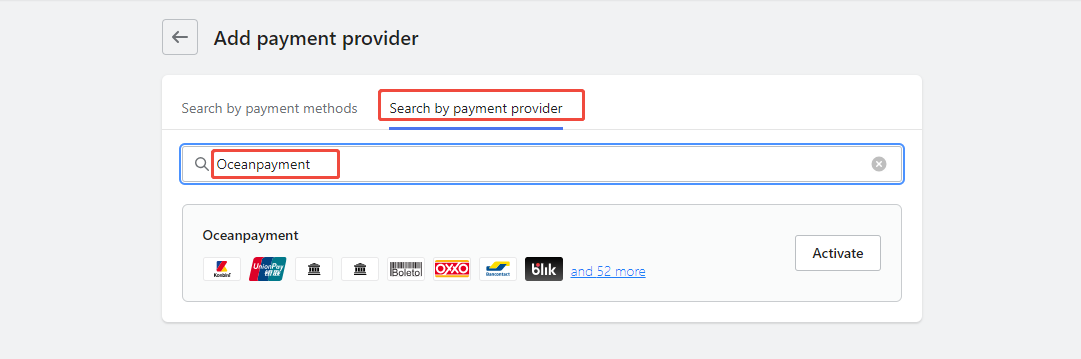
- Log in to the Shoplazza store backend (https://sso.shoplazza.com), go to Settings - Payments - Add Payment Service - Search by Payment Provider, search for: oceanpayment, and click Enable.
Configuration Information
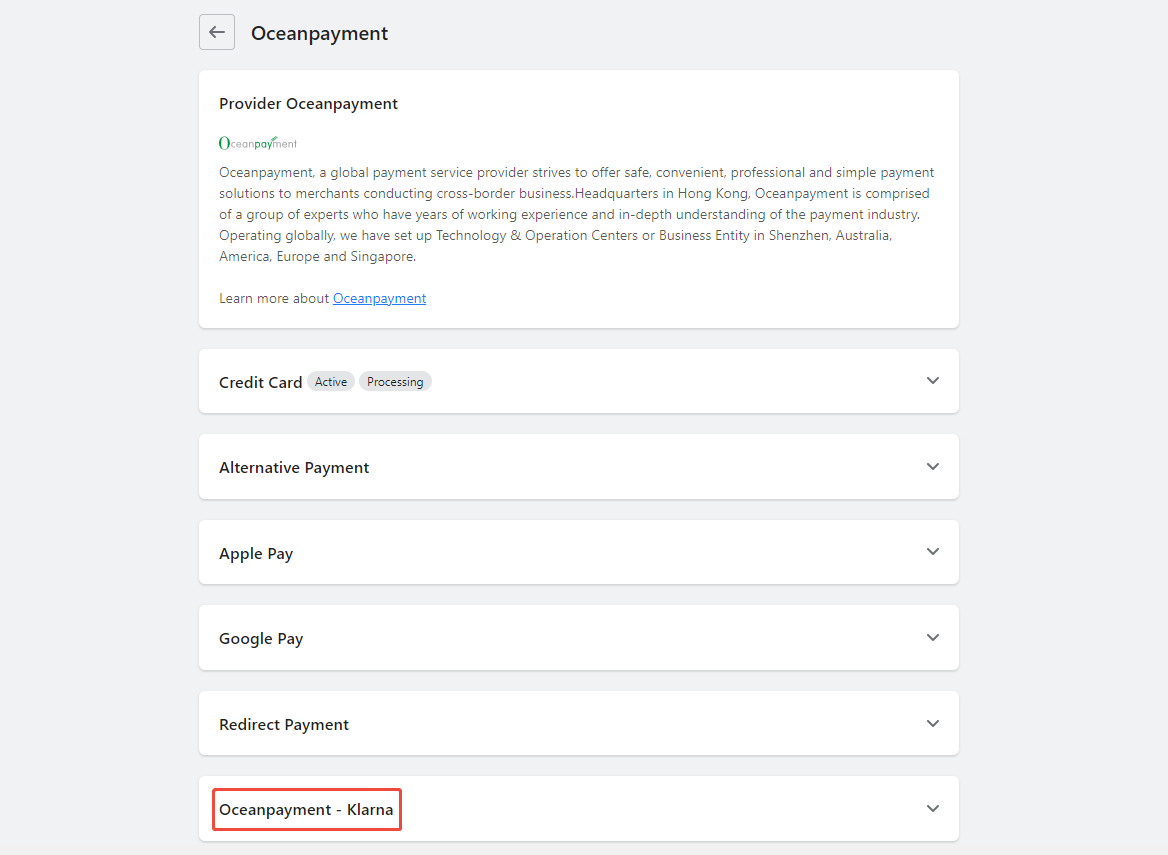
- Select Oceanpayment - Klarna.
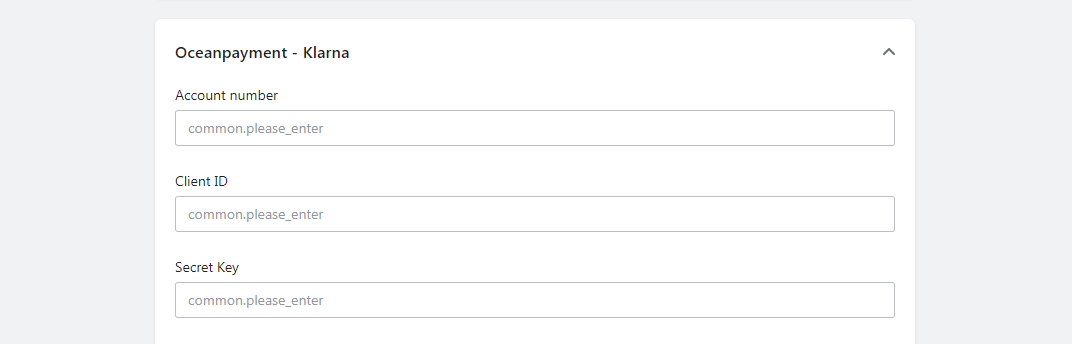
- Fill in the configuration information provided by Oceanpayment: Account, Terminal, and SecureCode.
Exhibition Area
- Select the countries and regions supported by Oceanpayment.
United States Switzerland Denmark Norway Sweden United Kingdom Austria Finland Germany Netherlands Belgium France Italy Spain Ireland Portugal Poland Czech Greece Hungary Romania

Logistics Synchronization
- Check the box for automatic synchronization of tracking numbers to activate.

Uninstall
- Find your Oceanpayment - Klarna payment method and click Disable.
