Installation
Step 1
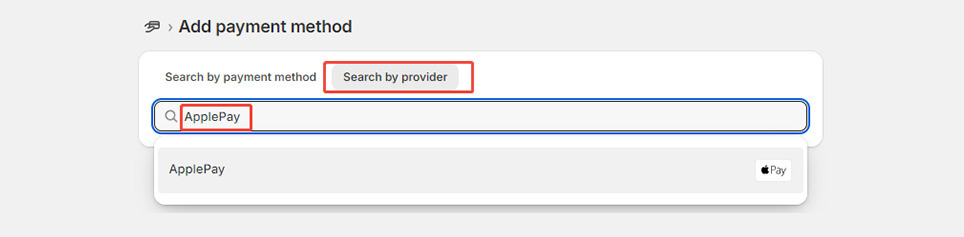
- Shopify admin, visit 【Settings】-【Payment】-【Supported payment methods】-【Add payment methods】-【ApplePay】

Step 2
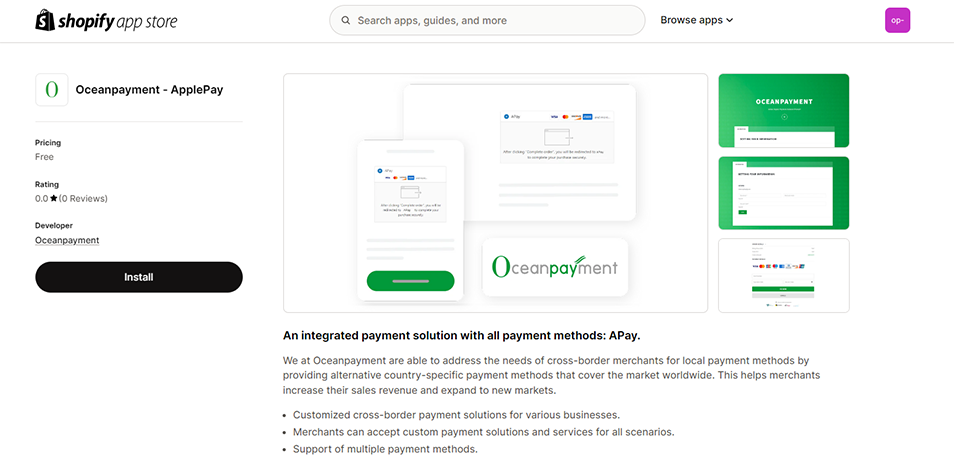
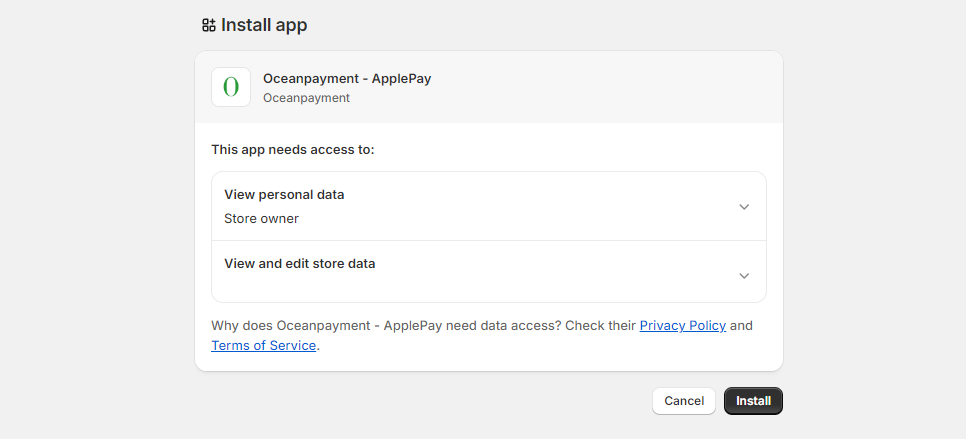
- Or install via Shopify App Store: https://apps.shopify.com/razerpin-oceanpayment
Configuration
- Fill in the configuration information provided by Oceanpayment: Terminal, SecureCode, and save.
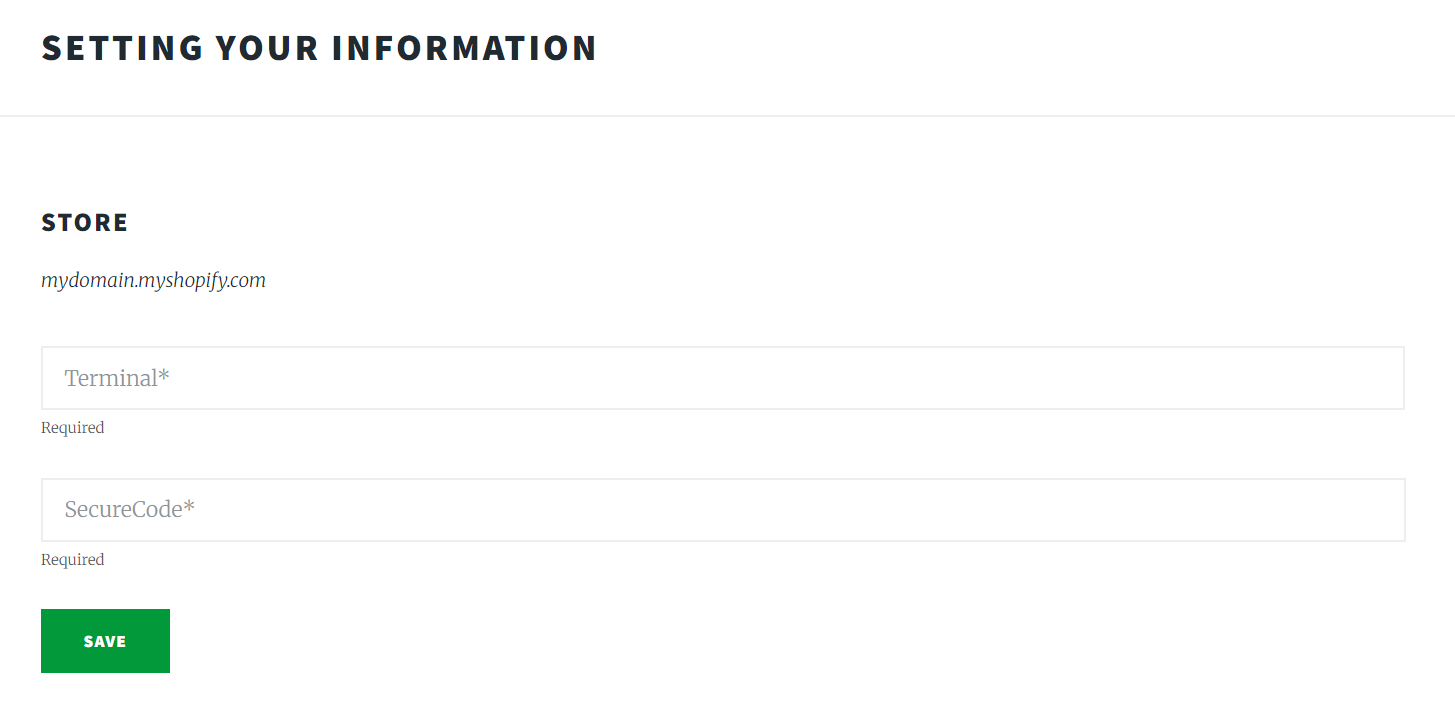
Environmental Description
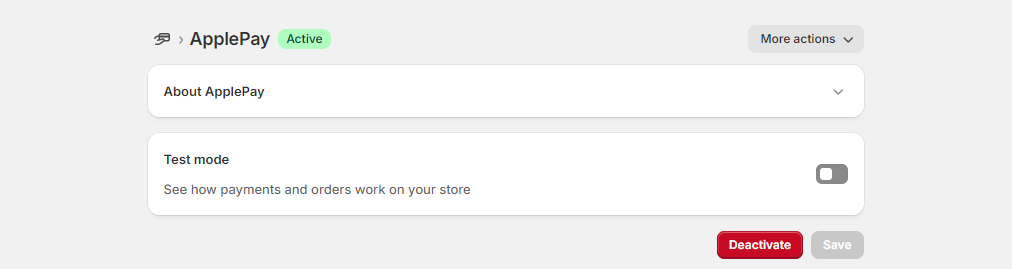
- Disable Test mode for production.

Authorization Function
- Default: Automatic authorization at checkout, If you require manual authorization, contact Oceanpayment support.
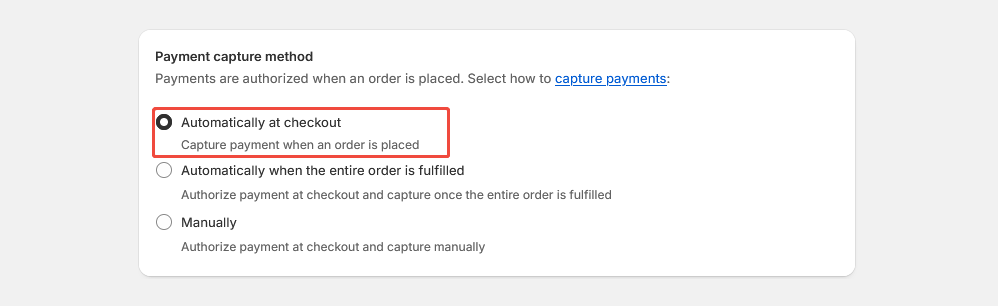
- The default setting for transactions is automatic authorization: [Payment capture method] - [Automatically at checkout]. In this case, pre-authorized orders need to be authorized in the Oceanpayment account backend.
- When you set a transaction to manual authorization: 【Payment capture method】-【Manually】, the pre-authorized order will need to be authorized in the Shopify backend.
Uninstall
- In Settings - Payments, find ApplePay and click Deactivate.