Installation
Step 1
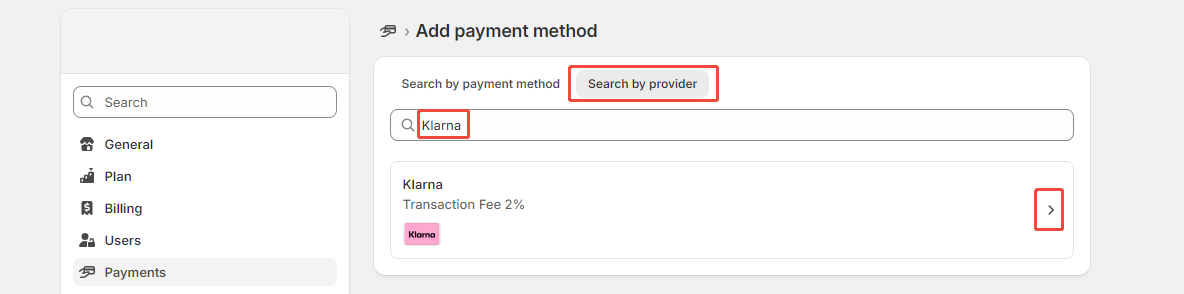
- Shopify admin,访问【Settings】-【Payment】-【Supported payment methods】-【Add payment methods】,Search Klarna.

Step 2
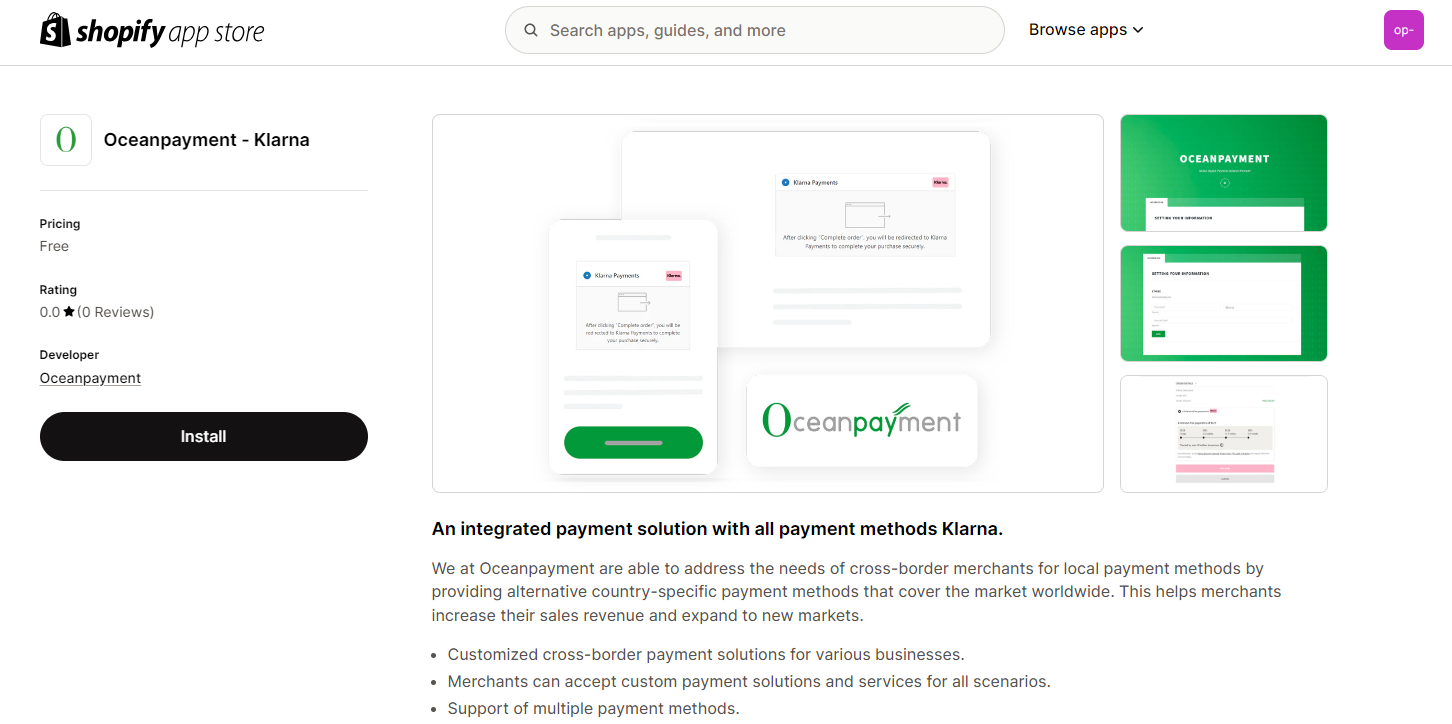
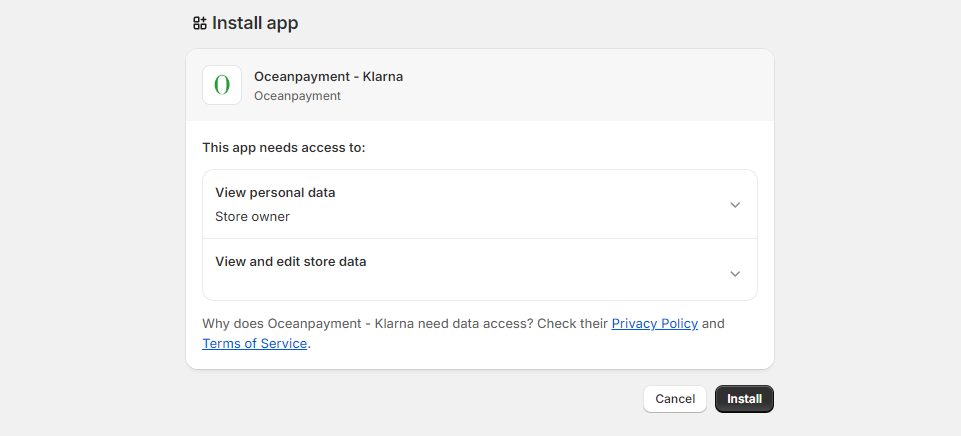
- Or install via Shopify App Store:https://apps.shopify.com/klarna-payments-1
Configuration
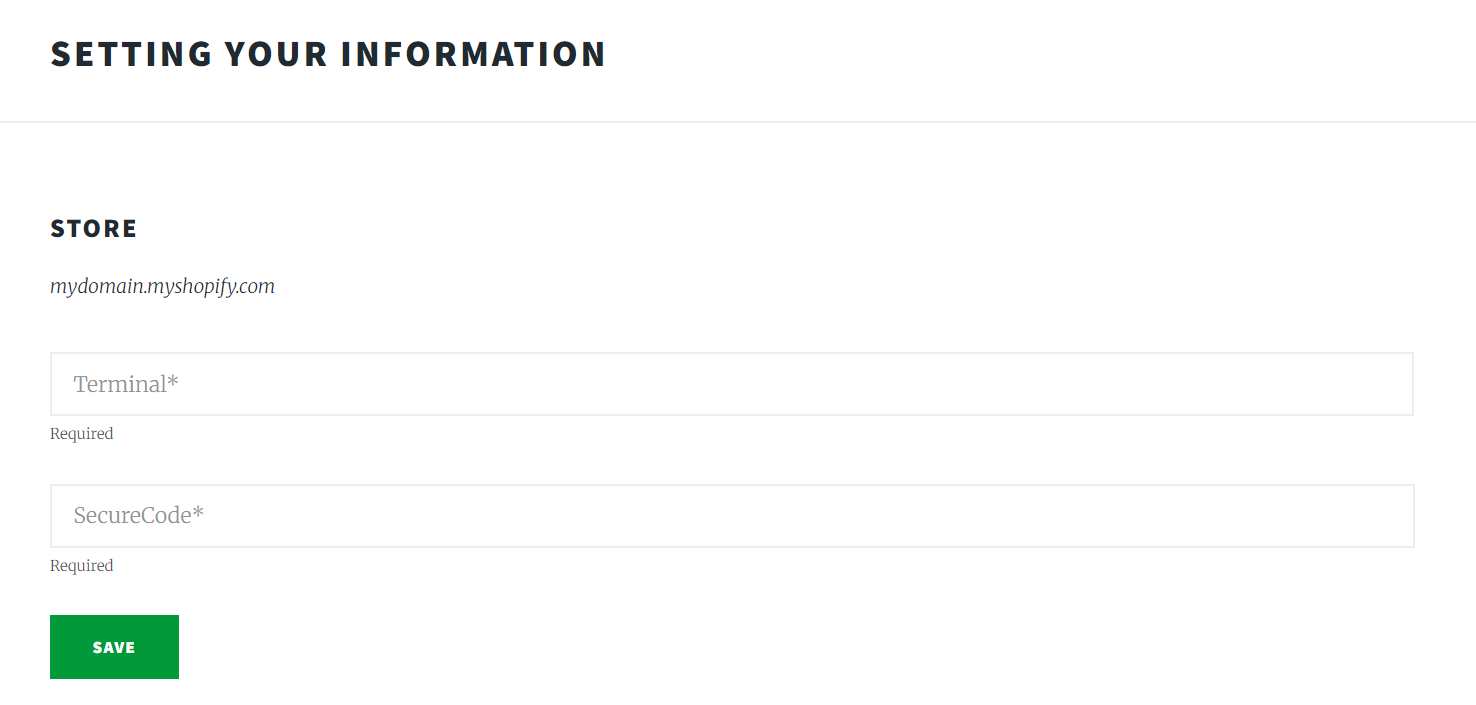
- Fill in the configuration information provided by Oceanpayment: Terminal, SecureCode, and save.
Klarna logo.
- Enable Klarna logo.

Environmental Description
- Disable Test mode for production.

Authorization Function
- Default: Automatic authorization at checkout, If you require manual authorization, contact Oceanpayment support.
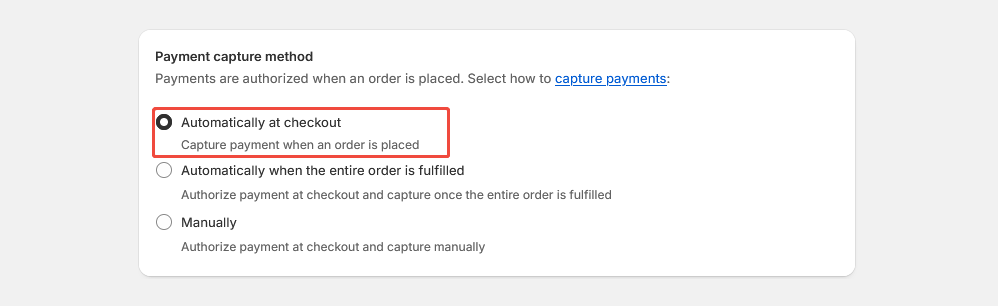
- Auto capture:【Payment capture method】-【Automatically at checkout】,Shopify will capture payment automatically.
- Manual capture:【Payment capture method】-【Manually】,You must authorize payment manually from Shopify dashboard.
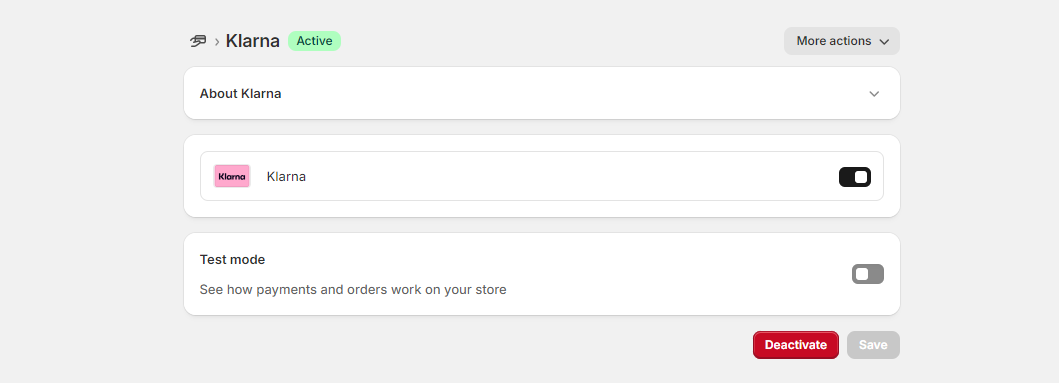
Uninstall
- Go to【Settings】-【Payments】- Klarna and clickDeactivate。